 AppWishMark

About
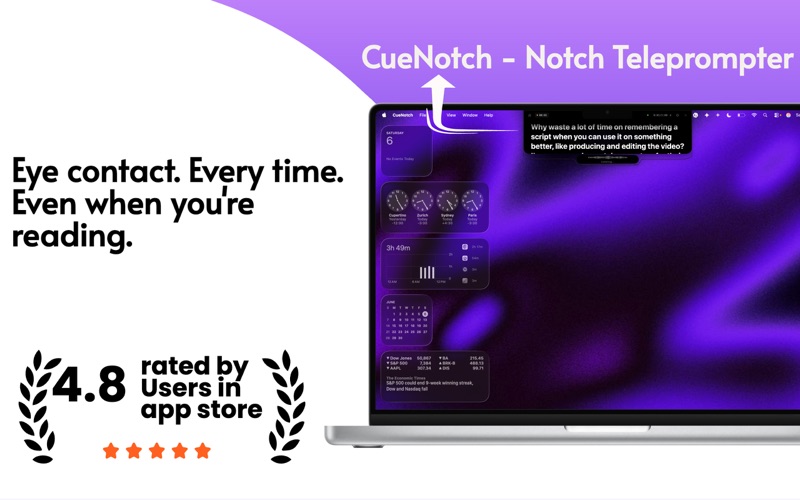
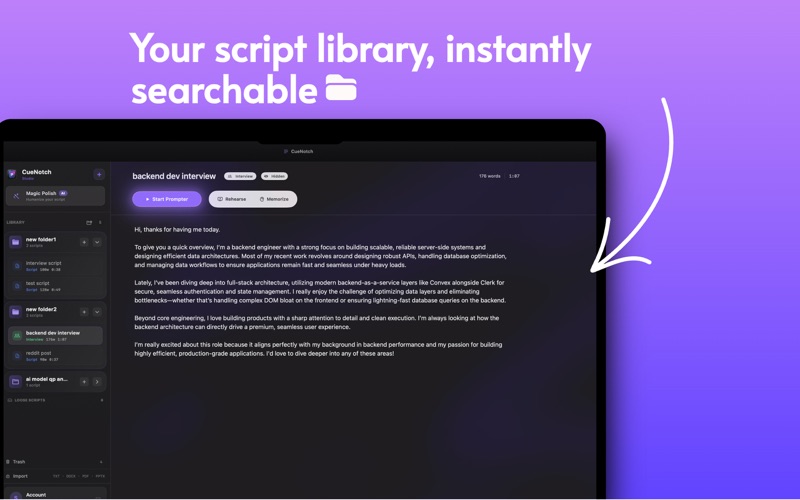
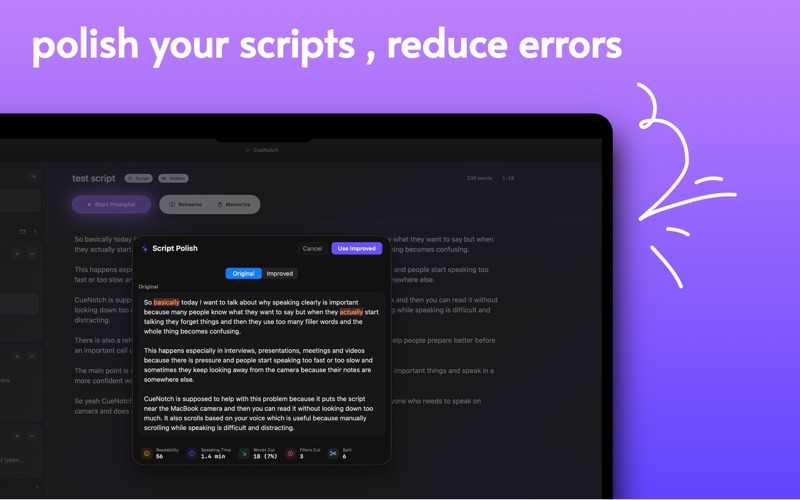
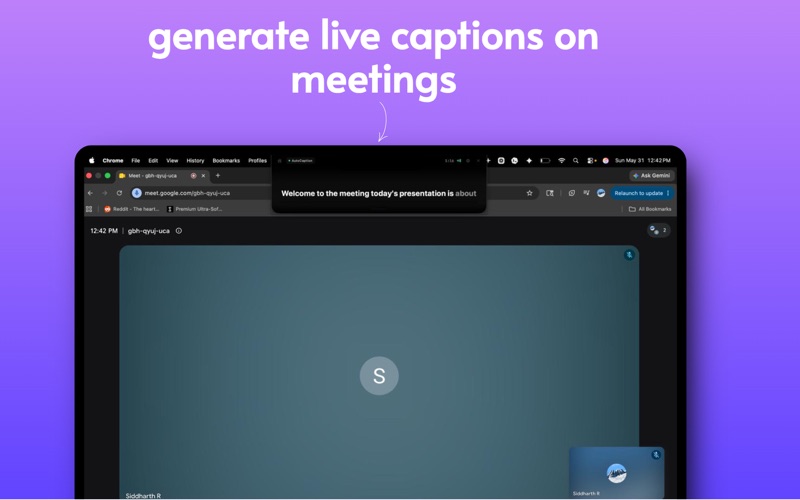
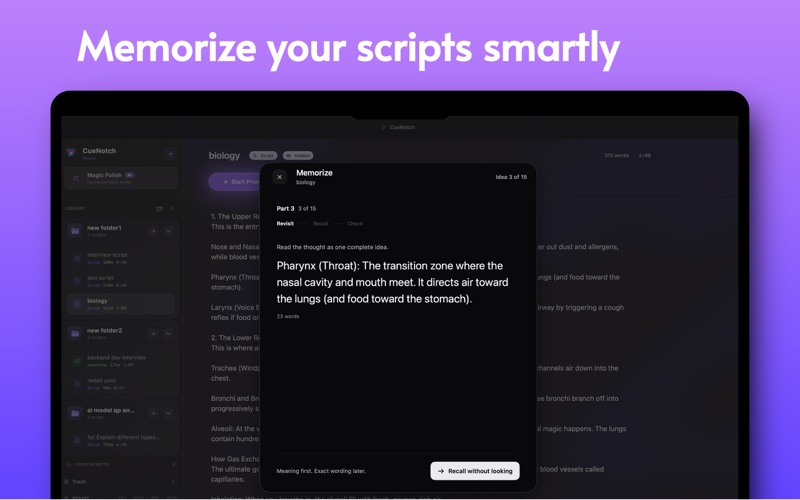
CueNotch is a premium notch teleprompter for Mac, built to help you speak clearly while keeping natural eye contact. Instead of placing your script below the camera, CueNotch lives near the MacBook notch, right beside your lens. That means you can read, present, interview, teach, record, or take calls while still looking like you are speaking directly to your audience. Designed for creators, founders, students, interview candidates, sales teams, educators, and anyone who speaks on camera. WHY CUENOTCH Keep eye contact while reading CueNotch places your script near your camera so you can stay focused, natural, and confident. Ghost Mode for screen sharing Use CueNotch during video calls, demos, interviews, and presentations without showing the prompter in screen recordings or screen shares. Voice-synced scrolling CueNotch can follow your speaking pace so your script moves naturally while you talk. AutoCaption Show clean live captions in the notch during meetings and calls. Magic Polish Turn rough, formal, or AI-generated text into a more natural spoken script. Rehearsal Coach Practice your delivery with cues for pace, pauses, posture, and camera presence. Memorize Mode Break long scripts into recall-friendly chunks and practice with progressive memorization tools. Script Library Organize scripts into folders for interviews, presentations, solo videos, classes, sales calls, and more. BUILT FOR MAC CueNotch is designed for macOS and works best on MacBook models with a notch. It is compatible with macOS 14 Sonoma or later, with the best experience on newer Apple silicon Macs. Some advanced Apple Intelligence features require compatible Mac hardware and supported macOS versions. PRIVACY-FIRST Your scripts are stored locally on your Mac. CueNotch uses microphone, camera, and system audio access only for features you choose to enable, such as voice scrolling, rehearsal, and AutoCaption. CueNotch is built for the moments where sounding prepared matters. Terms of Use (EULA): https://www.apple.com/legal/internet-services/itunes/dev/stdeula/ Privacy Policy: https://cuenotch.com/privacy